Project: HiCAD GUI Creator
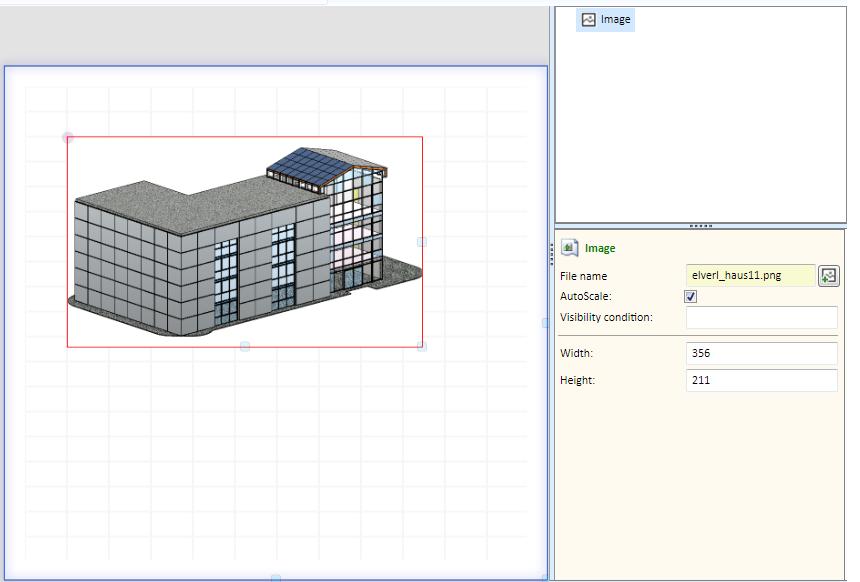
With this object you can insert an image in the dialogue. If the AutoScale checkbox is active, the image will be adjusted proportionally to the size of the image object.
Example
|


Customer-specific Dialogues for Installation Elements - Basic Procedures • HiCAD GUI Creator - Variables • HiCAD GUI Creator - Toolbox
|
© Copyright 1994-2021, ISD Software und Systeme GmbH |
Data protection • Terms and Conditions • Cookies • Contact • Legal notes and Disclaimer